
Get In-Demand Finance Certifications
Download our free FIFO calculator
This FIFO calculator will help you determine the value of your remaining inventory and cost of goods sold using the first-in-first-out method.
Here is a preview of CFI’s FIFO calculator below:
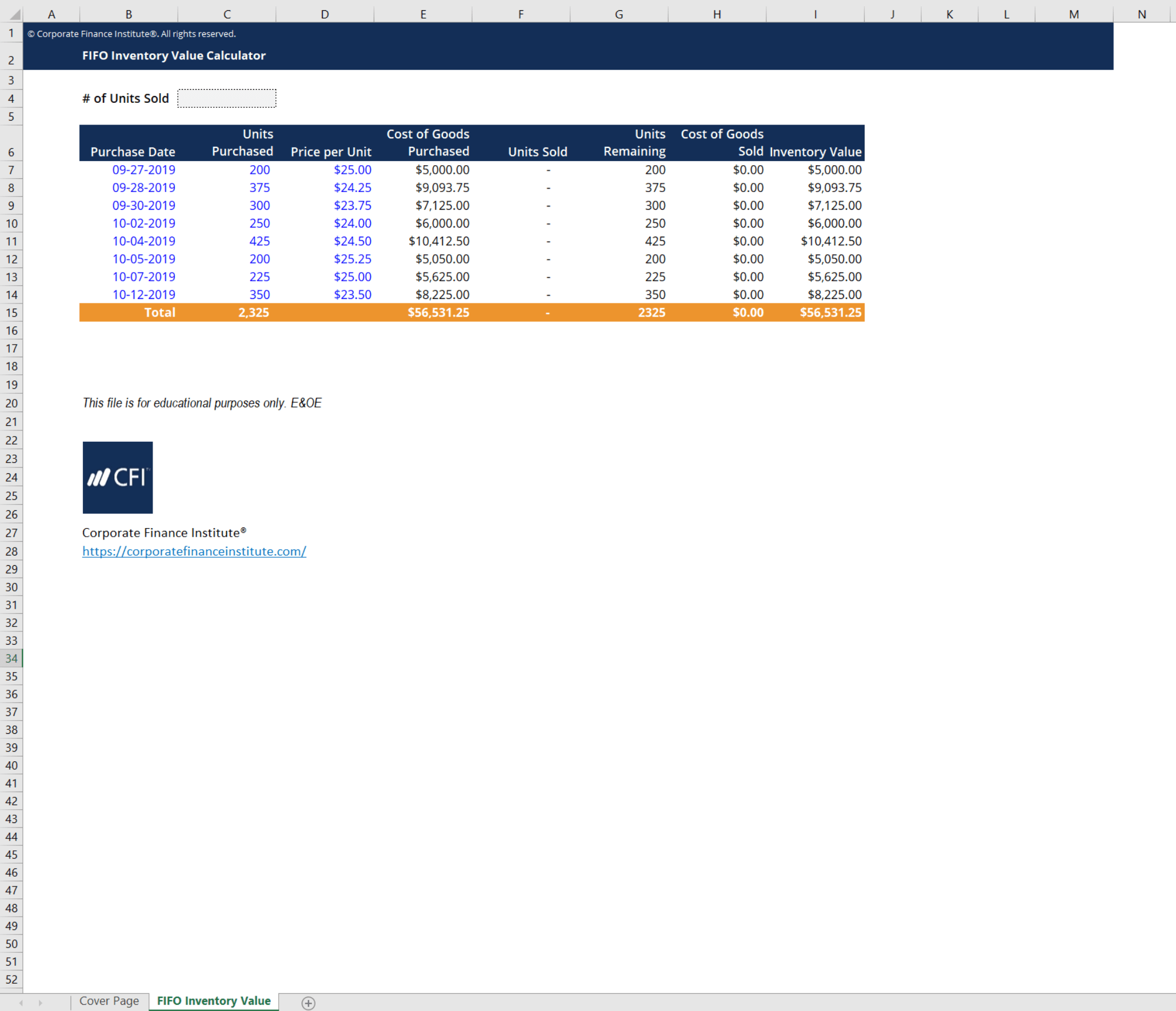
This FIFO calculator uses the first-in-first-out method of inventory valuation to come up with an ending inventory value as well as cost of goods sold. As the name implies, this method assumes that the first inventory items that are purchased are the first ones that are pushed out for sale. A practical example of this would be a grocery store. At grocery stores, produce that comes in first is sold first, otherwise, it would perish. Thus, the most recent costs are the ones that remain on the balance sheet while older ones are expensed first.
Consider the grocery store example mentioned earlier. Here is an example of the grocery store’s schedule of apple purchases:
If by June 10th, this grocery store sold 220 apples, what would its inventory value and COGS be?
We can calculate this by applying the FIFO method used in CFI’s FIFO calculator.
Following the schedule above, we can calculate the cost of the remaining apples and the cost of goods sold.
Therefore, total cost of goods sold would be 120+145+22 = $287 and the remaining inventory value would be 80*1.1 = $88.
Thank you for reading CFI’s guide to FIFO Calculator. For more resources, check out our business templates library to download numerous free Excel modeling, PowerPoint presentations, and Word document templates.
To master the art of Excel, check out CFI’s Excel Crash Course, which teaches you how to become an Excel power user. Learn the most important formulas, functions, and shortcuts to become confident in your financial analysis.
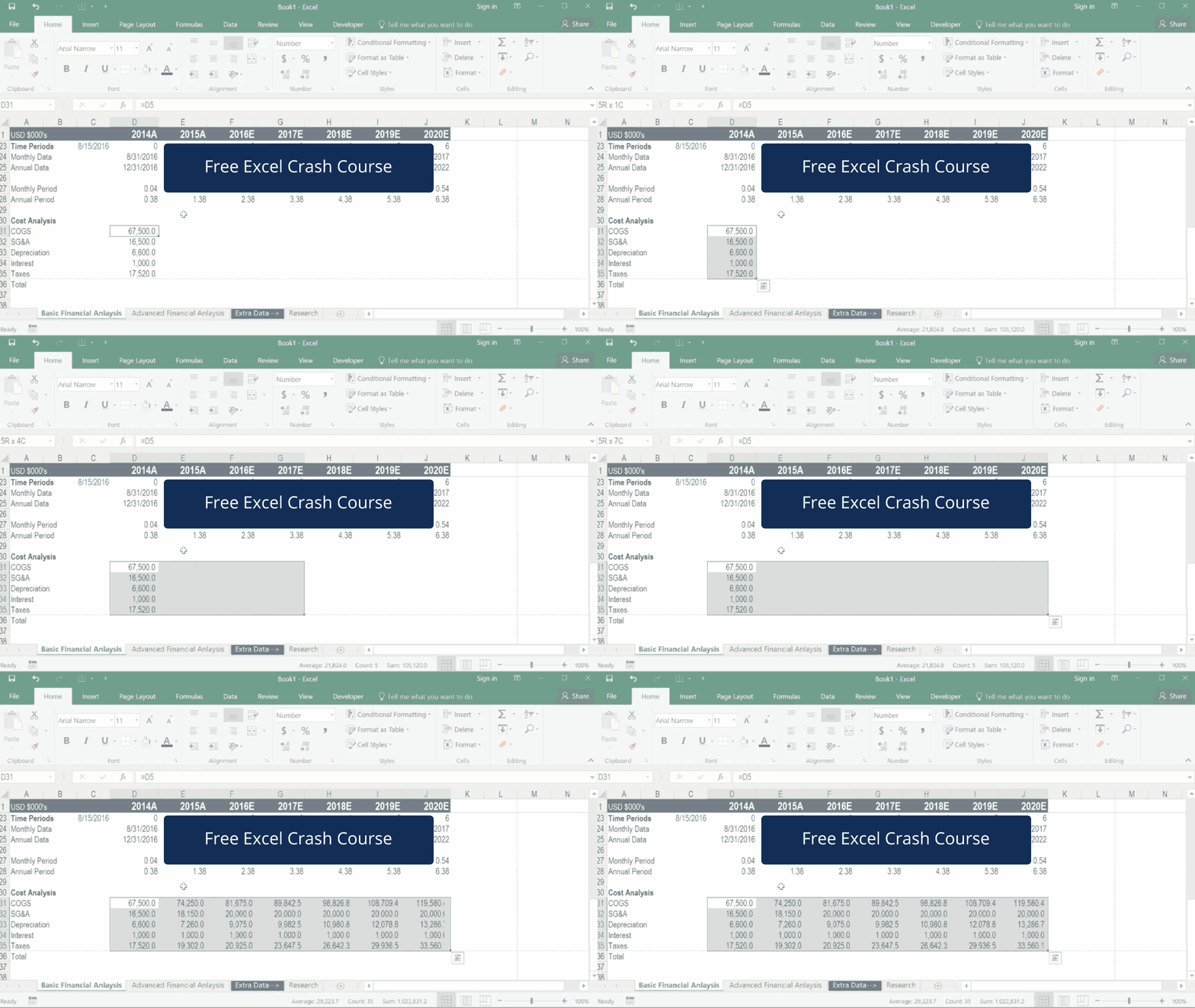
Launch CFI’s Excel Crash Course now to take your career to the next level and move up the ladder!


