Overview
AI Financial Modeling with Claude in Excel Course
Financial modeling is a critical skill for analyzing performance, forecasting outcomes, and supporting business decisions. As AI tools become more integrated into workflows, professionals must understand not only how to use these tools, but how to evaluate and validate their outputs.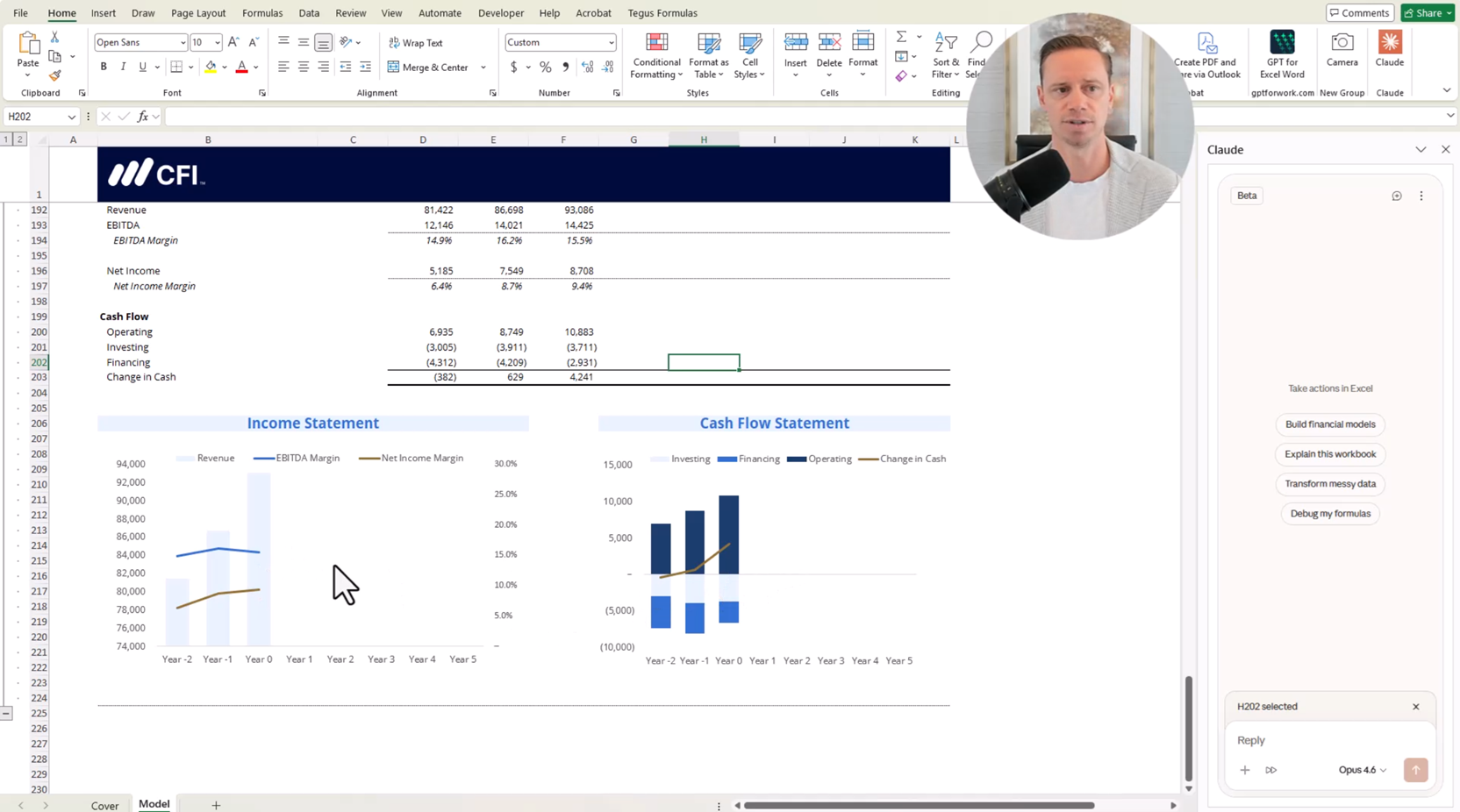 This
course explores how AI can be applied within Excel to support financial
modeling while reinforcing core principles such as model structure, valuation,
sensitivity analysis, and audit best practices. Learners will examine how to
build and interpret models, identify potential errors, and assess the
reasonableness of assumptions.
By
the end of the course, participants will be better equipped to leverage AI
tools responsibly while maintaining accuracy, transparency, and professional
judgment in financial modeling.
This
course explores how AI can be applied within Excel to support financial
modeling while reinforcing core principles such as model structure, valuation,
sensitivity analysis, and audit best practices. Learners will examine how to
build and interpret models, identify potential errors, and assess the
reasonableness of assumptions.
By
the end of the course, participants will be better equipped to leverage AI
tools responsibly while maintaining accuracy, transparency, and professional
judgment in financial modeling.
Who Should Take This Course?
This course is designed for finance professionals, analysts, and accountants who want to enhance their financial modeling skills using AI tools in Excel. It is particularly relevant for those pursuing roles in financial analysis, valuation, corporate finance, or FP&A who need to build, evaluate, and improve financial models with greater efficiency and accuracy. Technology Requirement Disclosure: This course includes demonstrations using Claude in Excel. Access to Claude in Excel requires a paid subscription. Learners without a subscription may not be able to replicate all demonstrated functionality.AI Financial Modeling with Claude in Excel Learning Objectives
- Install and use Claude in Excel to generate financial models
- Evaluate and improve AI-generated financial models
- Build and interpret a discounted cash flow (DCF) valuation model
- Construct and interpret sensitivity analysis
- Apply financial modeling best practices and audit frameworks
- Assess the reasonableness of financial assumptions
- Build and integrate multi-scenario revenue drivers
Prerequisite Courses
Recommended courses to complete before taking this course.
Prerequisite Skills
Recommended skills to have before taking this course.
- Financial modelling
AI Financial Modeling with Claude in Excel

Led by
Tim Vipond
Level 3
60min
100% online and self-paced
Field of Study: Finance
Start LearningWhat You'll Learn
Lesson
Multimedia
Exams
Files
Building, Auditing, and Enhancing Financial Models with Claude in Excel
Installing Claude in Excel
Free Preview
Logging In and Accessing Claude in Excel
Free Preview
Reviewing the Financial Model Structure Before Forecasting
Free Preview
Generating a Financial Model Forecast with Claude in Excel
Validating AI-Generated Financial Models Against a Benchmark
Interactive Exercise 1
Auditing Financial Models Using Formula View
AI-Based Model Auditing
Applying Financial Modeling Guidelines to Audit Models with AI
Creating and Testing Errors in Financial Models for AI Detection
Interactive Exercise 2
Using AI with Guidelines to Audit Model Errors
Automatically Fixing Financial Model Errors with AI
Identifying Unreasonable Assumptions with AI
Detecting Subtle Modeling Errors with AI
Enhancing Revenue Forecasts with Scenario Modeling
Interactive Exercise 3
Building Top-Down Revenue Scenarios Using Market Analysis
Integrating Scenarios into the Financial Model
Integrating Scenarios into the Financial Model
Optional - Graphs & Charts
Conclusion
Qualified Assessment
Frequently Asked Questions
If you haven’t found your answer from our FAQ, please send us a message.
If you haven’t found your answer from our FAQ, please send us a message.





