Overview
Formatting a 3-Statement Model with AI Practice Lab
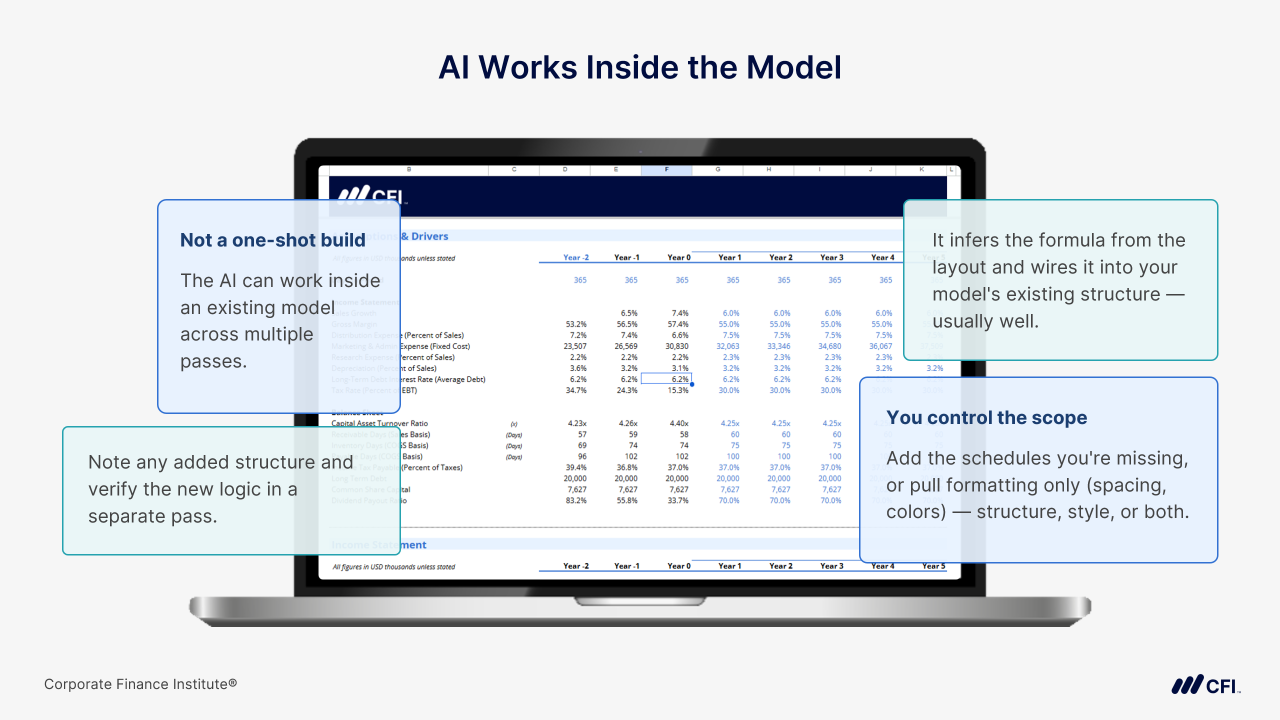
Professional financial models require consistent formatting, but applying formatting standards manually can be time-consuming and repetitive. In this hands-on lab, you’ll learn how to use AI and visual reference images to accelerate the formatting process while maintaining full control over the final output. Using PNG screenshots of a reference model, you’ll guide Claude to identify and apply formatting standards across a three-statement model. Along the way, you’ll learn how to review AI recommendations before execution, distinguish between formatting updates and structural changes, and verify any AI-suggested additions before relying on them. By the end of the lab, you’ll have a repeatable workflow for using visual prompting techniques to create more professional, firm-standard financial models efficiently and responsibly.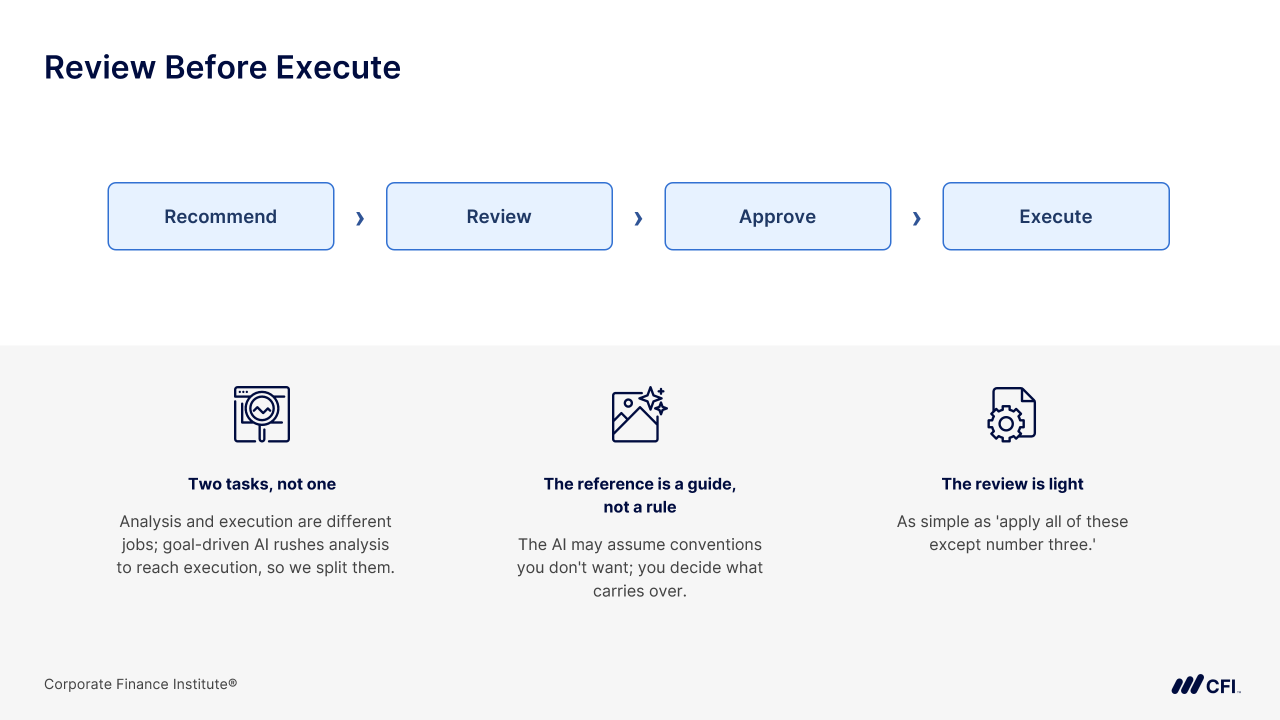
Who should take this course?
Investment banking and private equity analysts and associates — and finance professionals more broadly — who already build 3-statement financial models and want to compress the structural work using AI without sacrificing model integrity or professional scrutiny. The lab also fits FP&A analysts, corporate finance professionals, and accountants looking to bring AI into the Excel workflows they already use.
Formatting a 3-Statement Model with AI Learning Objectives
By the end of this practice lab you'll be able to:
- Use PNG screenshots of a reference model as visual inputs to direct an AI to apply consistent formatting to a financial model.
- Review AI formatting recommendations and selectively accept, reject, or modify them before execution.
- Identify AI-suggested structural changes that require manual formula verification before accepting.
Formatting a 3-Statement Model with AI
Led by
Darius Gant
Level 3
1h
100% online and self-paced
Start LearningWhat You'll Learn
Lesson
Multimedia
Exams
Files
Reviewing the Result
Course Summary
Qualified Assessment
This Course is Part of the Following Programs
Why stop here? Expand your skills and show your expertise with the professional certifications, specializations, and CPE credits you’re already on your way to earning.
Financial Modeling & Valuation Analyst (FMVA®) Certification
- Skills Learned Financial modeling and valuation, sensitivity analysis, strategy
- Career Prep Investment banking and equity research, FP&A, corporate development
What Our Members Say
Extremely helpful - worth the money.
Daniel Hamaker
Frequently Asked Questions
If you haven’t found your answer from our FAQ, please send us a message.
If you haven’t found your answer from our FAQ, please send us a message.